AirBat - AirPods Battery Level PC
Code creatives
Download AirBat - AirPods Battery Level on PC With GameLoop Emulator
AirBat - AirPods Battery Level sa PC
Ang AirBat - AirPods Battery Level, na nagmumula sa developer na Code creatives, ay tumatakbo sa Android systerm sa nakaraan.
Ngayon, maaari mong laruin ang AirBat - AirPods Battery Level sa PC gamit ang GameLoop nang maayos.
I-download ito sa GameLoop library o mga resulta ng paghahanap. Hindi na tumitingin sa baterya o nakakadismaya na mga tawag sa maling oras.
I-enjoy lang ang AirBat - AirPods Battery Level PC sa malaking screen nang libre!
AirBat - AirPods Battery Level Panimula
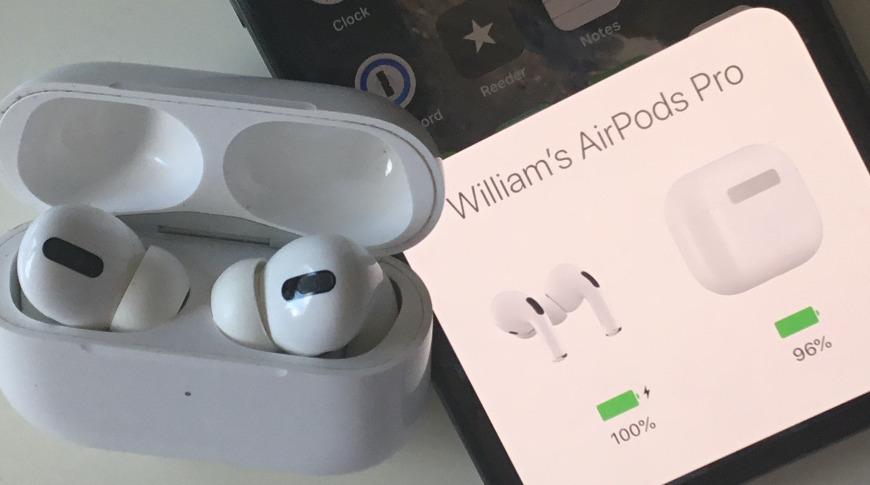
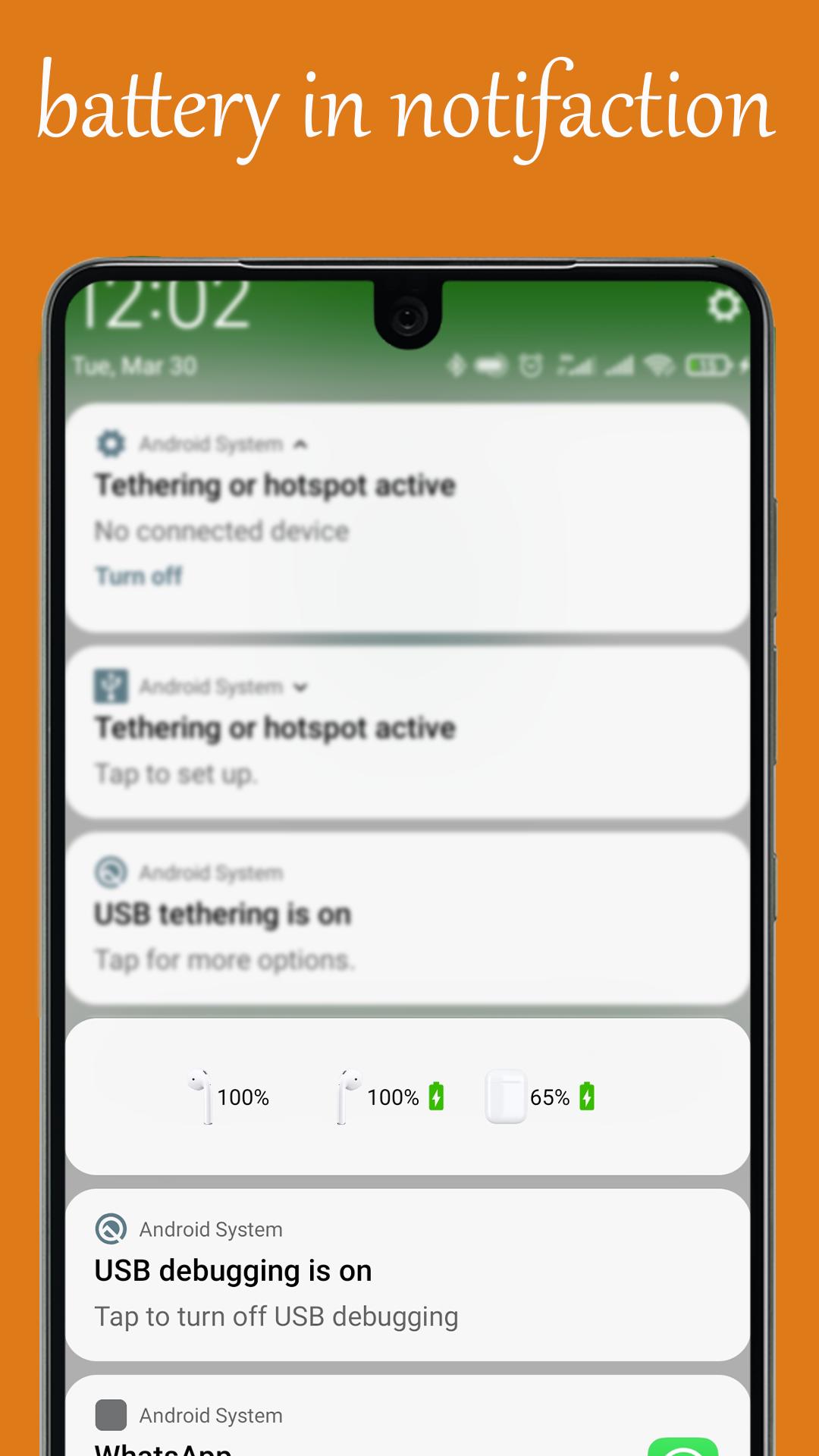
Maximize your AirPods experience with our cutting-edge app, 'AirPod Battery Level.' Stay in the loop with real-time insights into your AirPods' battery status, ensuring you're always powered up for what's next.
Our user-friendly interface provides instant access to critical information, while timely notifications keep you informed when it matters most.
Compatible with all AirPods models, our app guarantees a seamless and universal solution for users.
Download 'AirPod Battery Level' now and take control of your AirPods' power like never before – your on-the-go companion for uninterrupted wireless bliss!
-> AirPod 1
-> AirPod 2
-> AirPod Pro (You can choose Gen 1st or 2nd AirPod Pro, corresponding animation and images will be displayed)
-> Powerbeats Pro
-> AirPod 3
Preview
Tags
Music-&Information
Developer
Code creatives
Latest Version
42
Last Updated
2021-12-17
Category
Music-audio
Available on
Google Play
Show More
How to play AirBat - AirPods Battery Level with GameLoop on PC
1. Download GameLoop from the official website, then run the exe file to install GameLoop
2. Open GameLoop and search for “AirBat - AirPods Battery Level” , find AirBat - AirPods Battery Level in the search results and click “Install”
3. Enjoy playing AirBat - AirPods Battery Level on GameLoop
Minimum requirements
OS
Windows 8.1 64-bit or Windows 10 64-bit
GPU
GTX 1050
CPU
i3-8300
Memory
8GB RAM
Storage
1GB available space
Recommended requirements
OS
Windows 8.1 64-bit or Windows 10 64-bit
GPU
GTX 1050
CPU
i3-9320
Memory
16GB RAM
Storage
1GB available space